Introduction
Want to follow along step by step?
Watch the complete video tutorial playlist here:
[Godot 3D Walking Simulator – Beginner Friendly]
Beginner Friendly
In this project, we’ll make a simple walking simulator using Godot. No need for any experience, this series is fully beginner friendly. By the end, you’ll have a complete walking sim project like the one shown in this video 👉 [Completed Project Video]
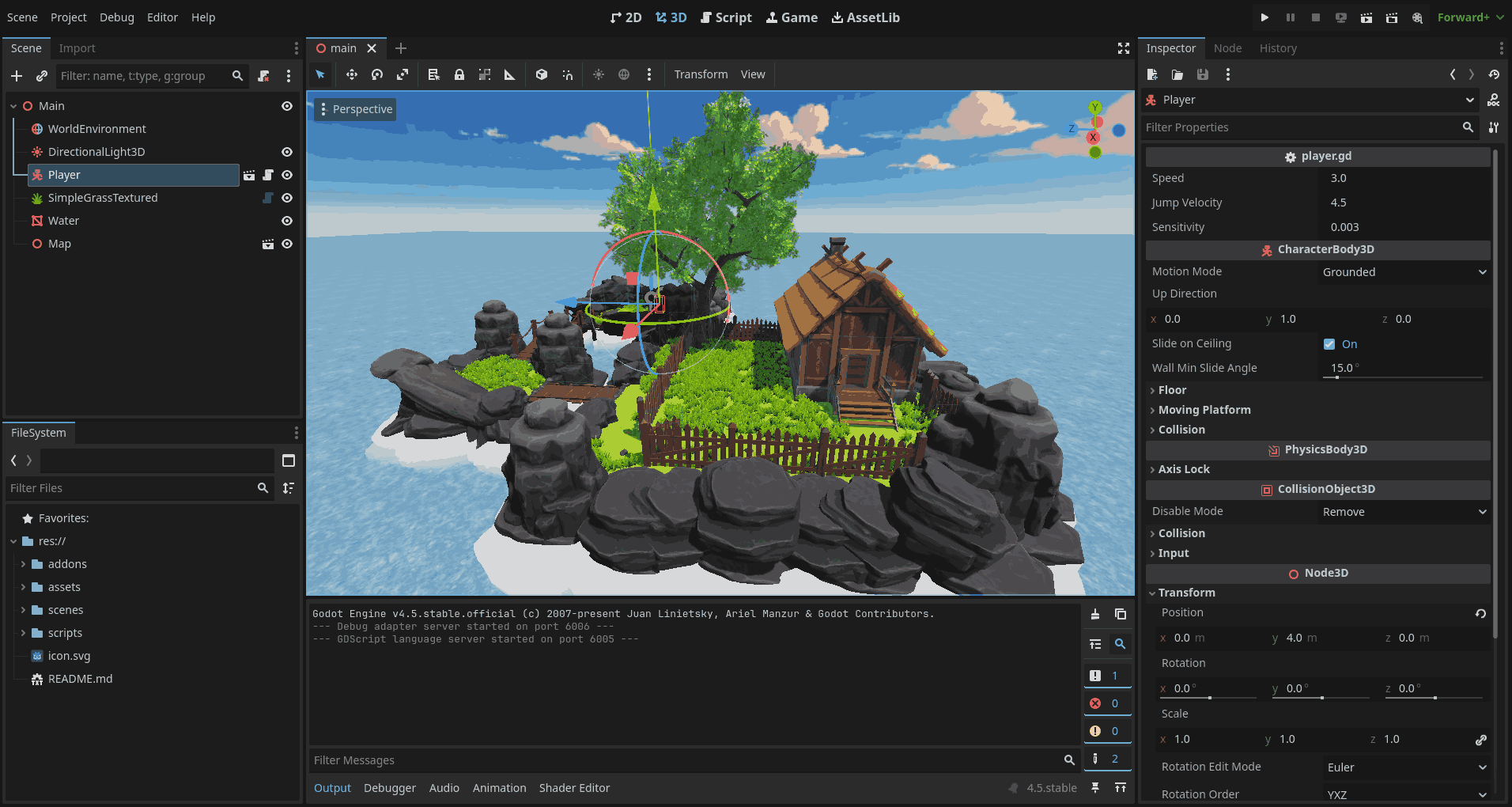
If you’re very new to Godot, this is the perfect place to start.
What You’ll Learn
- How to move around in Godot without getting lost
- How to bring your assets into the game
- How to add grass, water, and a cool sky
- How to turn it all into a real playable game
Approach
This guide is all about learning by doing. We’ll focus on getting comfortable with Godot first, and deeper coding parts will come in later series.
Project Structure
The tutorial is divided into separate, manageable sections that you can follow step by step:
- Download Godot
- Editor Overview
- Editor Interface Basics
- The Walking Simulator
- Grass, Water, and Sky
- Project Settings and Export
Before You Begin
You don’t have to worry about anything. I’ll guide you through the installation process.
Let’s Get Started
Now that we know what to expect, let’s begin building our walking simulator.
A walking simulator is a type of game where the main focus is exploring the environment rather than completing complex challenges. You usually walk around, interact with objects, and experience a story through the world itself.
They are simple to play, relaxing, and great for beginners to learn game creation.